
Whether we believe it or not, Email is still the King.
Whether you are running a business, launching a newsletter, or sending thousands of order updates daily, your secret weapon is a powerful SMTP server.
Due to the fact that not all SMTP servers are built the same way. With so many SMTP server options out there, how do you pick the right server for your needs? Do not worry, we got you covered.
Here’s a breakdown of the 10 best SMTP servers that you can choose from, along with the best features and why they might be a good fit for your business.
Content Overview
1. SendGrid
If there is a powerful name in the email-sending server universe, it is SendGrid. This is a trusted name used by many tech-oriented companies like Uber, Spotify, and Airbnb. SendGrid offers an appealing SMTP service that is built for both transactional and marketing emails. Whether you are sending a password reset to one user or a product launch to a million, SendGrid handles the load like a pro player.
Advantages of using SendGrid SMTP:
- Can handle hundreds to millions of emails and still maintain solid deliverability and uptime.
- Ensures your emails get to the inbox, not the spam folder.
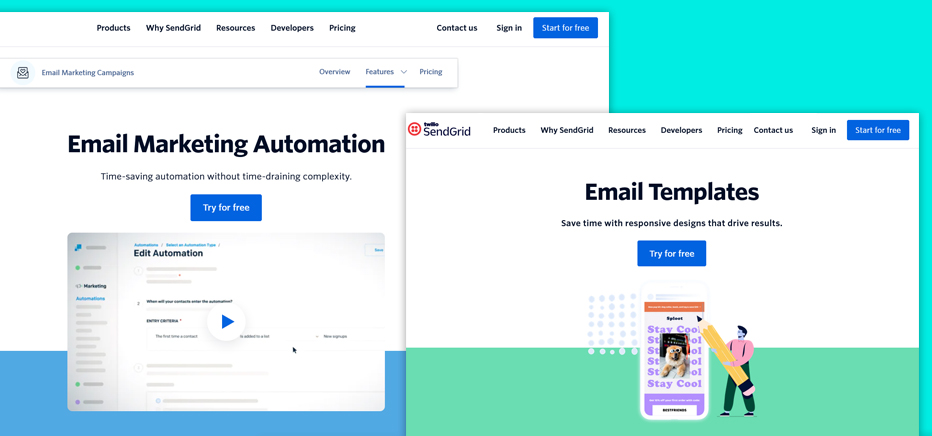
- Offers email templates, automation, and A/B testing.
Disadvantages of using SendGrid SMTP:
- The UI might be a bit overwhelming for beginners.
- If you need dedicated IPs or priority support, the cost rises heavily.
- Users with low-tier plans have reported slow or delayed customer support.
2. Mailgun
When it comes to a robust email infrastructure built for developers, Mailgun sits confidently at the top. Mailgun is tailored for sending high-volume transactional emails with precision.
Whether you are a SaaS startup company or an enterprise, Mailgun provides the tools you need to deliver, track, and optimize your email flows at scale. With an emphasis on APIs, speed, and detailed analytics, Mailgun has become a go-to SMTP solution for many.
Advantages of using Mailgun SMTP:
- Fast and consistent delivery even during traffic spikes.
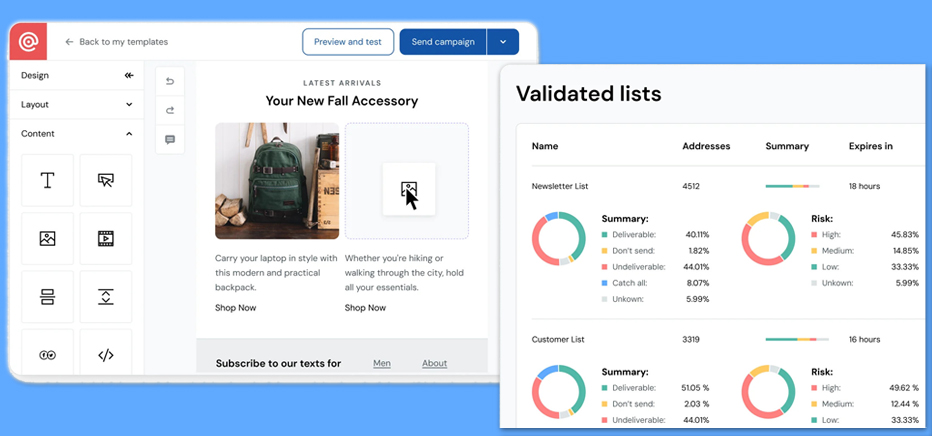
- Supports SPF, DKIM, and DMARC with full TLS encryption and detailed email logs for better compliance and safety.
- Easy to integrate into any backend, with SDKs for Python, Node.js, PHP, and more.
Disadvantages of using Mailgun SMTP:
- If you are not a developer or do not have one in your team, Mailgun might feel like trying to fly a spaceship without a manual. The setup can be difficult for less tech-oriented professionals.
- It is completely transaction-oriented; therefore, it doesn’t come with any templates, newsletters, or automation flows.
- The dashboard might seem complicated to beginners.
3. Postmark
If you are sending transactional emails - like password resets, receipts, or signup confirmations, we know you need them to arrive fast and without fail. That is where Postmark comes in. Unlike the general-purpose email service, Postmark is laser-focused on transactional emails, offering fast, secure, and reliable delivery through its powerful SMTP server or API.
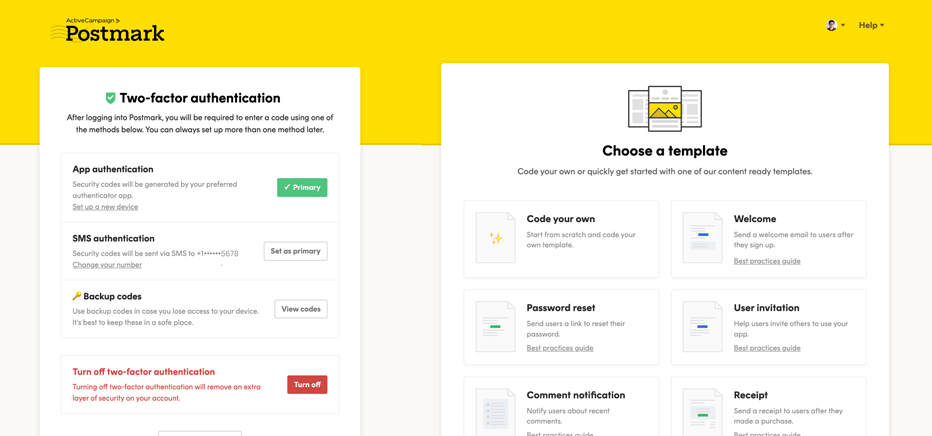
Postmark is a powerful SMTP server that allows you to send transactional emails from your application or website with minimal setup. One of the best things about Postmark is ensuring high deliverability.
Advantages of using Postmark SMTP:
- Postmark is known for its blazing-fast email delivery.
- It completely focuses on transactional emails and ensures the messages land in the inbox.
- One of the best things about Postmark’s SMTP server is that its support team is quite supportive.
Disadvantages of using Postmark SMTP:
- It is completely built for transactional emails, not marketing emails.
- Although the quality is top-tier, Postmark can be expensive.
- Non-tech users may find the UI of Postmark a little complicated.
4. Amazon SES
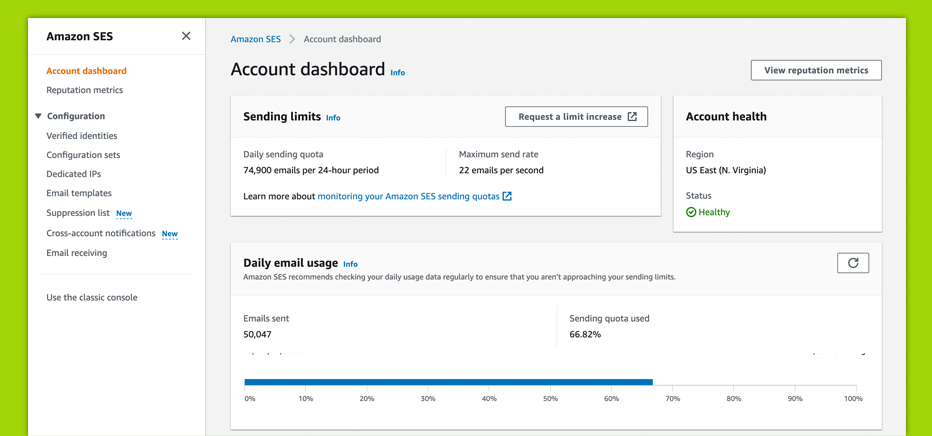
If you are looking for a powerful SMTP with unbeatable scalability at a rock-bottom price, Amazon SES might just be your golden ticket. Built on the same infrastructure that powers Amazon.com, SES (Simple Email Service) is designed for developers and businesses who need to send massive volumes of transactional and marketing emails - without draining their budget.
Unlike some other flashy platforms, SES keeps things lean and powerful. It is built to deliver millions of emails reliably and let you customize everything via API, SMTP, and AWS SDKs.
Advantages of using Amazon SES:
- One of the cheapest SMTP services on the market, best for startups and enterprise-scale operations.
- Send thousands or millions of emails a day with ease, backed by AWS’s globally distributed server.
- SES offers excellent inbox placements.
- Ensures secure sendings.
Disadvantages of using Amazon SES:
- Beginners unfamiliar with the AWS ecosystem may find the SES setup complex.
- Does not provide built-in WYSIWYG editors, templates, or marketing automation.
- You may require a third-party service or code your solution for in-depth email tracking or analysis.
5. Mailchimp (formerly Mandril)
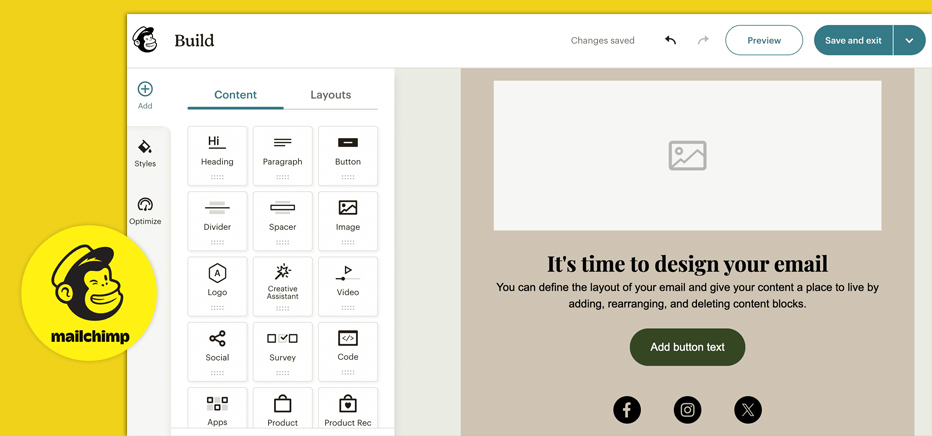
When it comes to email marketing, Mailchimp is practically a household name - and for good reason. Known for its user-friendly design, rich features, and charming monkey mascot, Mailchimp combines email marketing, automation, and SMTP capabilities into one sleek package.
While most people associate Mailchimp with beautiful newsletters and marketing campaigns, it now offers Mailchimp transactional, a paid add-on SMTP service that delivers receipts, confirmations, and password resets with precision.
Advantages of using Mailchimp SMTP:
- Use the same platform to send bulk newsletters and transactional emails like order confirmations and alerts.
- Design emails without touching a line of code.
- Triggers emails based on user behavior, time, and action.
- If you are already a user of Mailchimp, the transactional add-on provides a hassle-free experience.
- From Shopify to WordPress to CRMs, it plays nicely with all the varied tools.
Disadvantages of using Mailchimp:
- Mailchimp transactional is a paid service.
- The UI might be a little confusing for beginners.
- Email delivery is not fast or consistent.
- Costs can rise quickly as the email volume grows.
6. Mailjet
If you are hunting for a balance between a powerful email delivery and a user-friendly interface, then Mailjet might just be your match. Designed for both developers and marketing teams, Mailjet combines a reliable SMTP service with a collaborative platform. It simplifies building, sending, and tracking email - all at once.
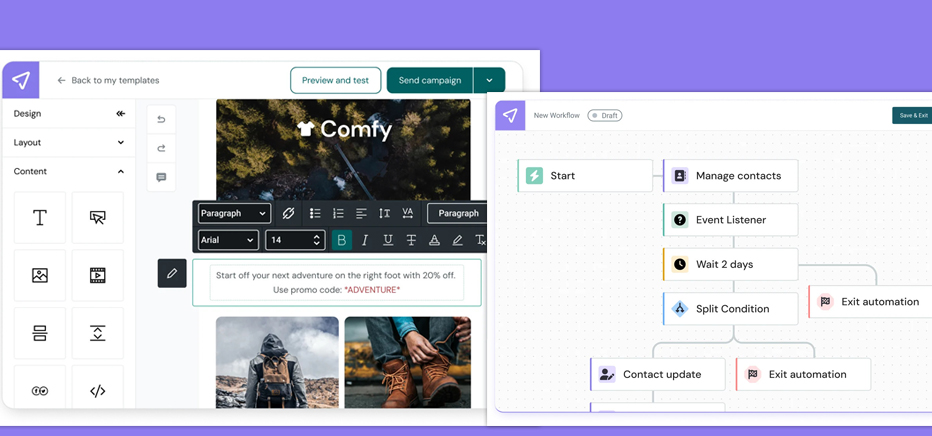
With its drag-and-drop editor and flexible API, Mailjet makes sending both transactional and marketing emails feel seamless. Whether you are coding up a custom integration or designing a campaign with your team, Mailjet keeps it smooth.
Advantages of using Mailjet SMTP:
- Multiple team members can edit email templates simultaneously, like Google Docs for email.
- Clean API and SMTP relay for devs, plus drag-and-drop builder and automation for non-tech users.
- Mailjet takes data protection seriously.
- Supports both transactional and marketing emails, so no need to switch between tools.
Disadvantages of using Mailjet SMTP:
- Free or basic tier comes with shared IPS.
- Basic automation features are there, but it lacks the deep behavioral workflows.
- Free plans do not have A/B testing, segmentation, and advanced support.
- Mailjet’s template library is smaller compared to other SMTPs.
7. Brevo (formerly known as SendinBlue)
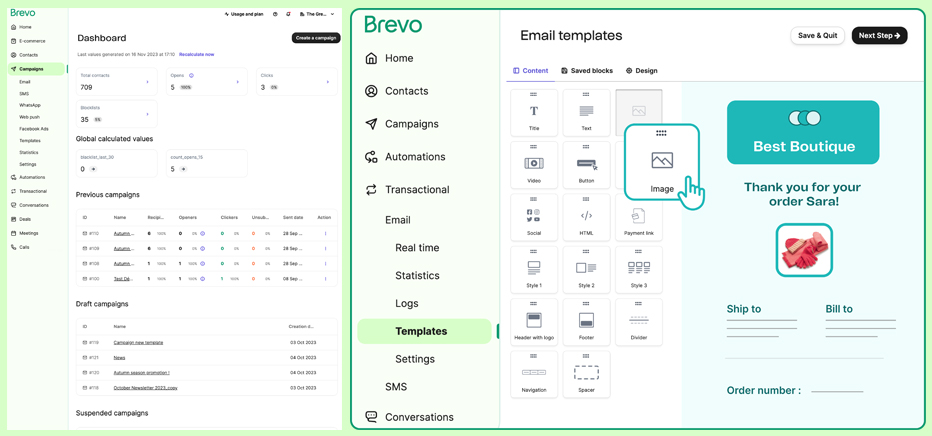
Brevo, formerly known as SendinBlue, is a powerful email delivery service designed for transactional and marketing campaigns. It’s cloud-based, meaning you don’t need extra server setup. It offers a rich set of features like automation, segmentation, and analytics - that make it ideal for businesses looking to improve email deliverability.
Whether you are a small business or a large-scale business, Brevo’s SMTP relay ensures your emails reach inboxes quickly, securely, and with high deliverability rates.
Advantages of using Brevo SMTP:
- Brevo has a strong sending reputation, meaning your emails are more likely to land in inboxes rather than spam folders.
- With SMTP credentials and API options, Brevo integrates well with most CMS platforms (WordPress and Shopify), CRM tools, and custom applications.
- Get real-time data on email opens, clicks, and bounces, and deliverability rates - making it easy to fine-tune your campaigns.
- Unlike the other SMTP servers that focus on only one type, Brevo handles both transactional and marketing emails equally.
Disadvantages of using Brevo SMTP:
- With a free plan, the 300-email-per-day sending limit can be a significant issue.
- Some important features, like SMS credits, advanced automation, and dedicated IPs, come at a premium.
- They offer a limited number of templates for the free tier.
8. Gmail
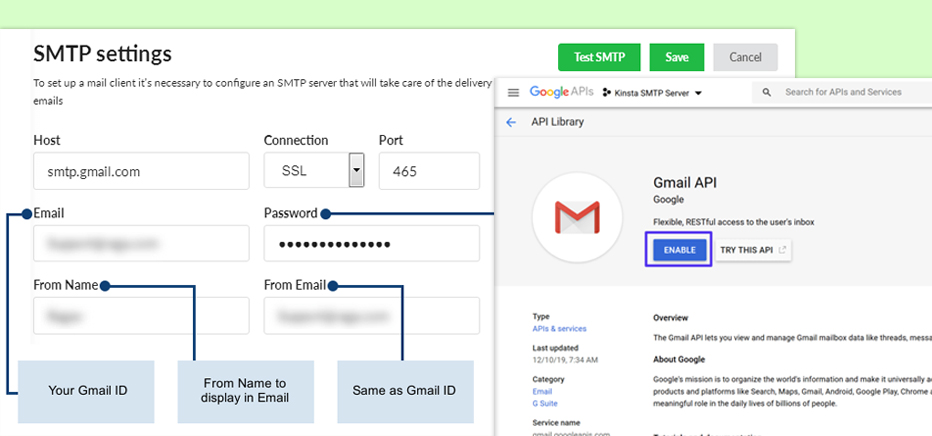
Gmail is one of the leading email providers, and it is quite obvious that you might already be a Gmail user. So why not use Google’s email server infrastructure for your business? If you are a small business or freelancer, Gmail SMTP is a reliable starting point. What's even better is that it's free for sending 500 emails a day.
But there is a catch. With a standard Gmail account, you can send emails only using your “@gmail.com” email address. But as a paid Google Workspace customer, you can send 2000 emails a day using your email address with your domain name.
Benefits of using Gmail SMTP server:
- For basic usage, Gmail's SMTP server is free and can send 500 emails a day. If you have an account in Gmail or Google Workspace, you can send 2000 emails a day and access other features.
- Gmail SMTP server is quite easy to use and integrates into other environments.
- The deliverability of the Gmail SMTP server is quite remarkable.
Disadvantages of using Gmail SMTP server:
- For free usage, you need to have a @gmail.com account.
- For basic usage, you cannot send more than 500 emails a day.
- You cannot add more than a hundred recipients per message.
- Gmail SMTP server is not ideal for transactional email.
Pricing:
Generally, the Gmail SMTP server is free for use. However, the Google Workspace comes with a price. Google Workspace offers several pricing plans. The cost plans vary depending on the features and storage included.
9. Mailtrap
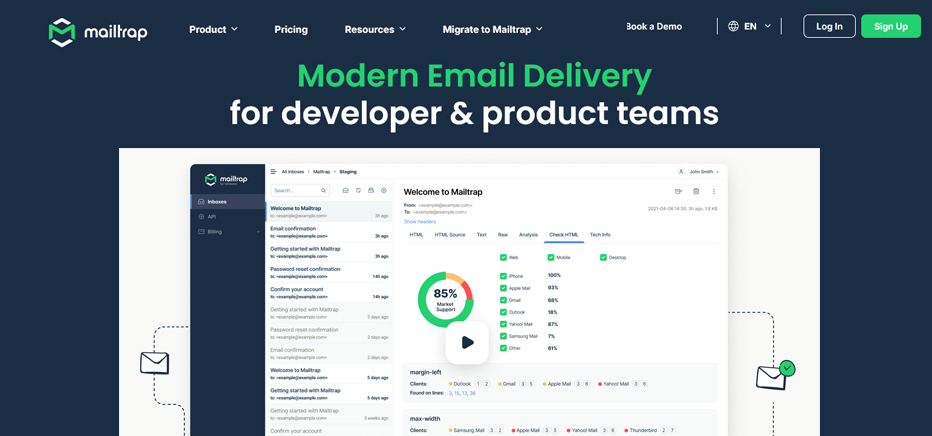
Mailtrap is primarily a dream tool for developers, as it helps with testing, inspecting, and debugging emails before sending them to real users. While it now offers an API for production email delivery, its core magic lies in its ability to test emails in a sandbox environment, which helps teams avoid delivery errors and broken formatting.
Advantages of using Mailtrap SMTP:
- Preview every test email in a virtual inbox.
- Inspect header, analyse HTML/CSS rendering, check for spam score, and troubleshoot authentication issues - all in one place.
- Integrates smoothly with CI/CD pipelines and supports various frameworks like Laravel, Node.js, and Rails.
- Track performance, monitor bounces, and check deliverability metrics.
Disadvantages of using Mailtrap SMTP:
- As it is built for developers, marketers might find it too technical.
- No built-in marketing templates, newsletters, automation, or audience segmentation.
- On a free plan, you can have only one team member.
- Its API is relatively new and may need some ramp-up time.
10. Elastic Email
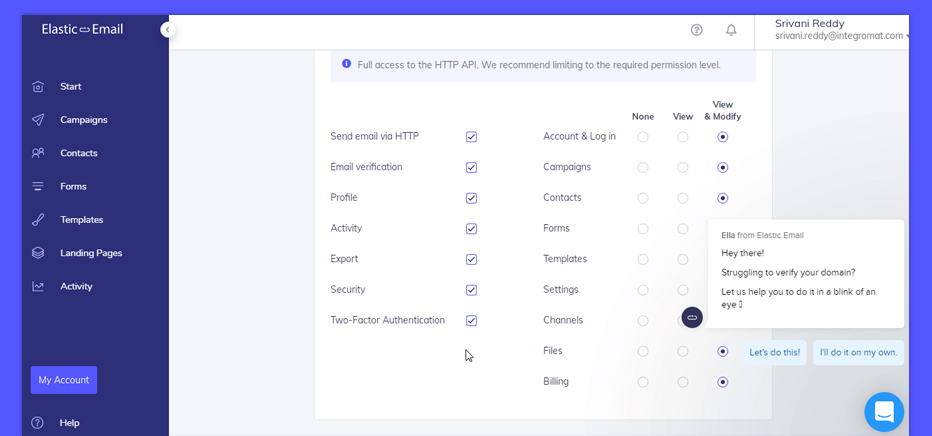
Looking for a high-volume email solution that won’t set your wallet on fire? Say hello to Elastic Email - the SMTP service that combines affordability, performance, and simplicity in one lightweight package. Whether you are sending newsletters, transactional alerts, or promotional emails, Elastic Email offers robust features for businesses and developers who want power without the complexities.
It is especially known for its pay-as-you-go pricing, high deliverability, and a suite of tools for managing contacts, campaigns, and analytics - all while staying user-friendly.
Advantages of using Elastic Email:
- One of the cheapest email delivery options available, ideal for startups and small businesses.
- Designed to handle large batches of email with ease.
- User-friendly interface.
Disadvantages of using Elastic Email:
- The deliverability success heavily depends on the proper setup of SPF, DKIM, and sender reputation management.
- Fewer advanced features in comparison to other providers.
- Free tiers have daily sending limits and fewer features.
Wrapping It Up: The Right SMTP Can Make or Break Your Emails
Choosing the best SMTP server isn’t just about sending emails; it’s about landing in the inbox, not the spam box, and building trust with every message. Whether you need blazing-fast delivery (Sendgrid, Postmark), robust developer tools (Mailgun, Amazon SES), or a beginner-friendly all-rounder (Like Brevo, Mailchimp), there’s an SMTP server perfect for everyone’s needs.
Each provider has its own flavor - some are built for scale, others for simplicity, and a few are laser-focused on reliability or testing environments. The key is to match your business needs, budget, and technical skill level with the right tools.


